Tips for Creating a Relaxing Home Workspace to Boost Productivity
Creating a relaxing home workspace is essential for boosting productivity and maintaining a healthy work-life balance. When your environment is comfortable and free from distractions, it can help you concentrate better and accomplish tasks more efficiently. Whether you are working remotely full-time or occasionally, setting up a soothing and functional workspace can make a big difference in your daily routine.
In this post, we’ll explore practical tips to help you design a home workspace that promotes relaxation and productivity.
Why a Relaxing Workspace Matters
A cluttered or uncomfortable workspace can lead to stress, fatigue, and reduced motivation. On the other hand, a calming environment encourages creativity, reduces tension, and helps you stay organized. The key is to combine comfort with functionality, so your workspace supports both your physical wellbeing and your workflow.
Choose the Right Location
Picking the right spot in your home is the first step.
– Natural Light: Opt for a space with good natural light. Sunlight improves mood and alertness.
– Minimal Distractions: Select an area away from high-traffic zones or noisy appliances.
– Space: Ensure your workspace has enough room for essentials like your desk, chair, and storage.
If space is limited, even a corner of a room can be transformed into a productive work area.
Invest in Comfortable Furniture
Ergonomics plays a big role in creating a relaxing workspace.
– Chair: Use a chair that supports your back and promotes good posture. Adjustable chairs are ideal.
– Desk: Your desk should be at a comfortable height so your arms can rest naturally while typing or writing.
– Accessories: Consider an adjustable keyboard tray or a monitor stand to reduce neck and wrist strain.
Comfortable furniture reduces physical discomfort and helps you focus longer without fatigue.
Organize and Declutter
A tidy workspace can improve mental clarity.
– Declutter Regularly: Remove unnecessary items from your desk to create a clean surface.
– Storage Solutions: Use shelves, drawers, or boxes to keep supplies organized.
– Cable Management: Use clips or cable organizers to keep wires neat and prevent distractions.
An organized space helps reduce stress and makes it easier to locate what you need.
Personalize with Calming Elements
Adding personal touches can make your workspace inviting and peaceful.
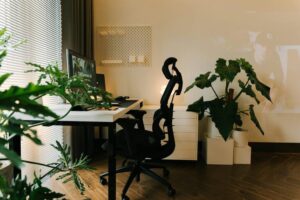
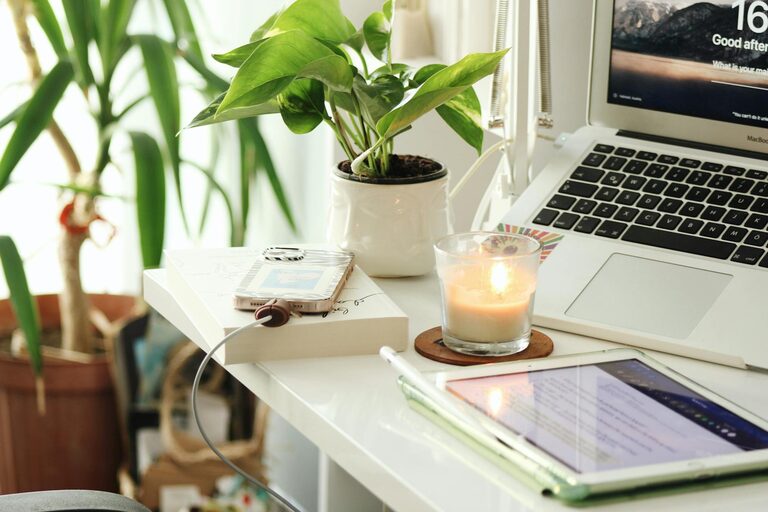
– Plants: Indoor plants improve air quality and bring a sense of calm.
– Colors: Choose soothing colors for your walls or accessories, such as soft blues, greens, or neutrals.
– Art and Décor: Display calming artwork or photos that inspire you without overwhelming the space.
These elements can create a positive atmosphere that encourages relaxation and creativity.
Control Lighting and Noise
Lighting and sound impact your comfort and concentration.
– Lighting: Use adjustable desk lamps or soft overhead lighting to supplement natural light. Avoid harsh or flickering lights.
– Noise Control: If noise is an issue, consider noise-canceling headphones or white noise machines to mask distractions.
– Breaks: Step outside or change environments periodically to rest your eyes and refresh your mind.
Proper lighting and sound control help maintain focus and reduce fatigue.
Establish a Routine and Boundaries
Even a great workspace needs boundaries to support productivity.
– Set Work Hours: Define specific times to start and end your workday.
– Designate Workspace: Use your workspace only for work to separate professional and personal life.
– Take Breaks: Schedule short breaks to stretch, hydrate, and rest your mind.
A consistent routine signals your brain to focus during work hours and relax during downtime.
Use Technology Wisely
Technology can support productivity, but it can also be distracting.
– Necessary Tools: Equip your workspace with the technology you need, like a reliable computer, headset, and fast internet.
– Limit Distractions: Turn off notifications that are not work-related.
– Productivity Apps: Use apps that help with time management and task organization.
Balancing technology use ensures it enhances your work instead of interrupting it.
Maintain Your Workspace
Regular upkeep keeps your workspace relaxing and efficient.
– Daily Reset: Spend a few minutes at the end of each day tidying up.
– Deep Clean: Clean your workspace weekly, including wiping surfaces and dusting.
– Reevaluate: Periodically assess your setup and make changes to improve comfort and productivity.
Maintenance preserves the benefits of your relaxing workspace over time.
—
By thoughtfully designing your home workspace with these tips, you can create an environment that supports both relaxation and productivity. A well-planned workspace helps you stay focused, reduces stress, and makes working from home a more enjoyable experience. Start making simple changes today and notice the difference in your workdays.