
Tips for Creating a Productive Home Office Space
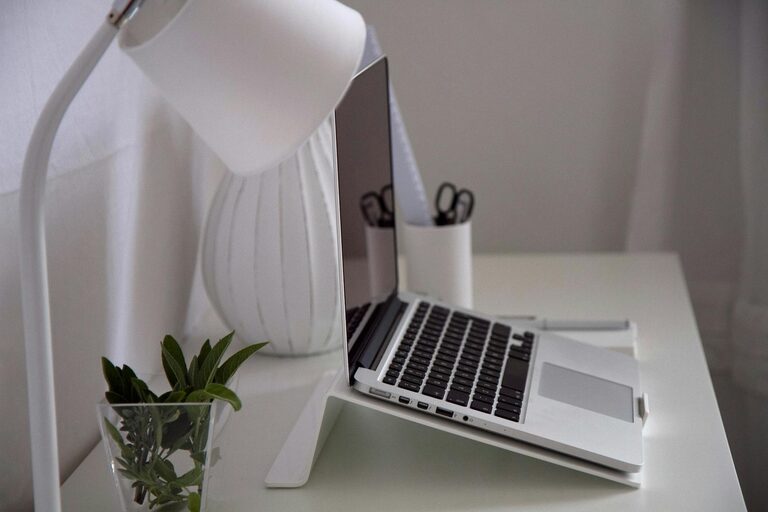
Creating a productive home office space is essential for anyone working remotely or managing tasks at home. A well-designed workspace encourages focus, efficiency, and a healthy work-life balance. Whether you have a dedicated room or a small corner, these tips will help you craft an environment that supports your productivity.
Choose the Right Location
Pick a Quiet Spot
Select a location that minimizes distractions. Ideally, this should be a quiet area away from household noise and foot traffic. If possible, choose a room separate from living spaces to help mentally separate work and personal life.
Consider Natural Light
Natural light positively impacts mood and alertness. Position your desk near a window to take advantage of daylight. If natural light is limited, use bright but soft artificial lighting to reduce eye strain.
Invest in Ergonomic Furniture
Select a Comfortable Chair
A supportive chair that encourages good posture is a must. Look for adjustable features that fit your body’s needs, including lumbar support and height adjustment.
Use a Suitable Desk
Choose a desk with enough surface area to hold your essentials without clutter. Adjustable desks that allow you to switch between sitting and standing can also promote better health.
Organize Your Workspace Efficiently
Declutter Regularly
Keep your desk tidy by removing unnecessary items. A clean space reduces distractions and helps you focus on your tasks.
Use Storage Solutions
Invest in organizers, shelves, or drawers to store supplies, documents, and gadgets neatly out of sight but within easy reach.
Minimize Distractions
Manage Noise Levels
If complete silence isn’t possible, consider noise-cancelling headphones or background music that aids concentration.
Limit Digital Interruptions
Turn off non-essential notifications and set specific times for checking emails and messages to avoid constant interruptions.
Incorporate Personal Comfort and Style
Add Plants and Decor
Plants improve air quality and add a calming effect. Personal touches like art or photos can make your workspace inviting and motivating.
Control Temperature and Ventilation
Ensure the room has good airflow and a comfortable temperature. Use fans, heaters, or air purifiers as needed to maintain a pleasant environment.
Establish Boundaries and Routine
Set Work Hours
Define clear start and end times to your workday. This helps maintain a balance and signals to others when you’re unavailable.
Create Rituals
Develop simple routines like morning stretches or a coffee break to structure your day and enhance productivity.
Equip Your Office with Necessary Technology
Use Reliable Hardware
Ensure your computer, printer, and other devices meet your work requirements to avoid disruptions.
Maintain Good Internet Connection
A stable and fast internet connection is critical for virtual meetings and online tasks.
Focus on Health and Well-being
Take Regular Breaks
Use techniques like the Pomodoro method to work in focused intervals followed by short breaks to rest your mind and body.
Practice Good Posture
Be mindful of your posture during work to avoid strain or injury over time.
Final Thoughts
Creating a home office that supports productivity involves thoughtful choices about location, furniture, organization, and atmosphere. By prioritizing comfort and focus, you set yourself up for a successful and enjoyable work-from-home experience. Remember, your workspace should serve your needs and evolve with you as your work habits change.